How to cancel Amazon Prime (and end the free trial)
Amazon Prime can be cancelled in the account's Prime settings, and the free trial can be ended in the same place. The trial automatically turns into a paid membership when it ends, so anyone who only wants to try it should cancel early in the trial: the benefits still remain until the end of the trial. Prime belongs to a particular country store, so it has to be cancelled in the store where it was taken out.
In this article
Cancelling in a browser
- Sign in to the store and open the “Prime Membership” or “Your Prime Membership” page from the “Account & Lists” menu.
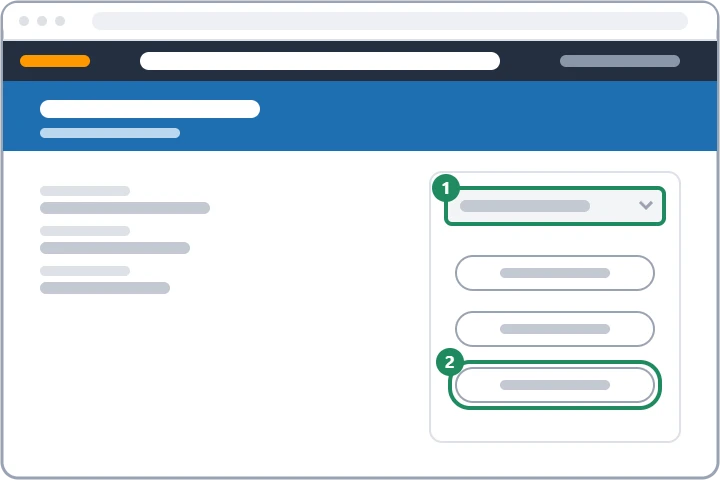
- In the membership details (next charge date, amount), expand “Manage membership”, then choose the “End membership” button.
- Amazon reminds the user of the benefits on several screens and may offer a discount or a cheaper payment plan. Anyone who really wants to cancel should always choose the button that continues the cancellation, not the one that keeps the membership.
- In the last step, there is a choice: the membership ends immediately (in which case a pro-rated refund may be due) or at the end of the paid period. After the choice, Amazon also confirms the cancellation by email.
Cancelling in the app
In the Amazon Shopping app, tap the profile icon, then open Prime membership management in the account settings. From there, the steps are the same as in the browser: manage membership, then cancel, finally confirm. If Prime is not paid through Amazon but, for example, as part of a mobile or TV provider's package or through an app store, it has to be cancelled there; the payment details on the Prime page show this.
Ending the free trial
During the trial, the cancel button may have a different label (for example “End trial”), but it is in the same place. After cancelling the trial, the benefits usually remain until the last day of the trial, and there is no charge. If the card has already been charged after the trial ended but the buyer has not used any Prime benefit since then, Amazon's rules allow a full refund if the membership is cancelled in time. A new trial is only available after a longer period, under conditions that vary by country.
When is a refund due?
- Unused membership: if not a single Prime benefit (delivery, video, music, etc.) has been used since the last charge, a full refund is usually due.
- Used membership: if the benefits have already been used, Amazon may give a pro-rated or partial refund, or the membership remains until the end of the paid period; this is shown in the last step of the cancellation.
- Prime received as a gift or redeemed with a code: usually no cash refund is due for it.
- The refund goes to the original payment method within a few working days.
Accidental sign-up at checkout
At checkout and when choosing the delivery option, Amazon often offers a free Prime trial with a prominent button, for example promising free or faster delivery. One click on this button starts the trial, which later turns into a paid membership. In the United States, the FTC reached a 2.5 billion dollar settlement with Amazon in 2025 over exactly these sign-up flows, and Amazon has to show a clear decline button. Accidental sign-ups can be avoided as follows:
- Before paying, read the button text: if it refers to Prime, a trial or a membership, choose the standard delivery option instead.
- After ordering, check the account's Prime page: if an unexpected active trial shows, cancel it immediately.
- Watch the bank statement for a charge named “Amazon Prime” or similar.
If it doesn't work
Does Prime Video also end if Prime is cancelled?
Yes, if Prime Video is part of Prime, it ends with the membership. Films bought or rented in Prime Video remain available.
Is Prime from amazon.co.uk valid on amazon.com as well?
Generally not: Prime belongs to the particular store. In another store the delivery benefit does not apply, and a separate membership would be needed there.
Prime does not appear in the account, yet there are charges. What could be the reason?
It may be running in another store or in another Amazon account, or the charge may not come from Amazon at all. If the charge is unknown, ask the bank and consider fraud too: Common Amazon scams.