Hacked Netflix account: first steps
An intruder usually uses a hacked Netflix account to watch or passes it on, and less often misuses the payment method linked to the account. The Netflix Help Center mentions two typical causes: the Netflix password was also used for another service whose data leaked, or the owner entered it on a phishing site. The order of the steps depends on whether the owner still controls the sign-in and the account's email address.
In this article
Telltale signs
- An unknown profile has appeared, or a profile's name, language or picture has changed.
- There are unknown titles in the “Continue Watching” row and in the viewing history.
- Netflix sends an email about a change of password, email address or phone number that the owner did not request.
- An unrequested sign-in code arrives, or an email asking for a temporary access code from an unknown TV.
- The plan has changed, an extra member slot has been added to the account, or an unexpected charge has appeared on the bank account.
- The usual password suddenly stops working, or every device has been signed out.
- New password, sign out of all devices
- If that fails: password reset by email or text message
- If the email address is also someone else's: customer service
- Check profiles, contact details, plan and payments
- Protect the email account and the other passwords
1. Changing the password while signing in still works
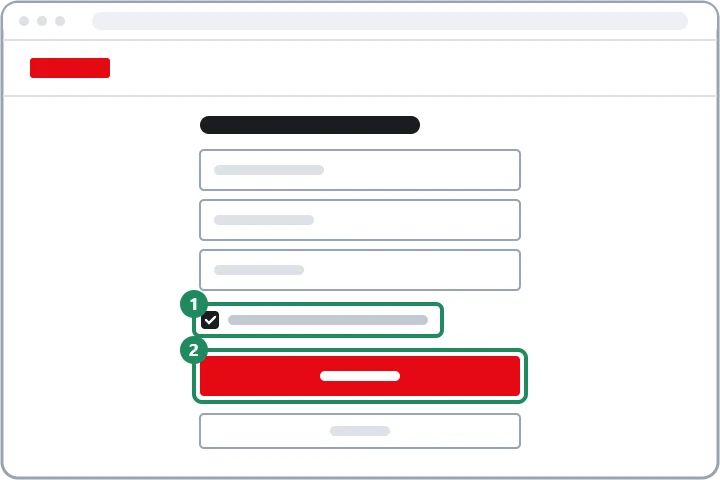
In a browser, a new password can be set on the netflix.com/password page. If a Kids profile is active, the password cannot be changed, so switch to an adult profile first. The new password should be at least 8 characters long, mix lowercase and uppercase letters, numbers and symbols, and not match any password used on another site. The Help Center recommends leaving the “Sign out all devices” box checked: this also removes the intruder's devices from the account, while on the owner's own devices, sign in again with the new password. Netflix sends a confirmation email after a successful change.
2. If the password no longer works
If the intruder has changed the password but the account's email address or phone number still belongs to the owner, a new password can be requested on the netflix.com/LoginHelp page. The email reset link is valid for 24 hours, the code received by text message for 20 minutes. When saving the new password, signing out of all devices can also be selected here. The detailed steps and common errors: Resetting a forgotten Netflix password.
3. If the email address has been replaced too
In this case, the reset email would go to the intruder, and the account search by card would also send the link to the foreign email address stored in the account. For this case, the Netflix Help Center asks for direct contact: on the customer service page, a chat or phone call can be started, even without signing in. It helps to have at hand Netflix's earlier emails (especially the notification about the email address change), the original email address used for the account, the account owner's name and the details of the card or bill used for payment, because these can prove ownership. A full card number, security code or password never has to be given through any channel.
4. Checks after recovery
- Devices: the “Manage access and devices” page shows which devices have recently watched with the account; sign out the unknown ones. Step by step: Netflix: checking signed-in devices and signing them out.
- Profiles: delete foreign profiles, and restore changed names, languages and profile locks: Managing Netflix profiles, Profile Lock and Kids profiles.
- Contact details: on the Account page, the account's email address and phone number must be the owner's. Without a phone number, the password can only be reset by email, so adding one is worthwhile.
- Plan and extra members: if the intruder switched to a bigger plan or bought an extra member slot, revert it: Changing the Netflix plan and the payment method.
- Payments: there must be no unknown charges in the “Payment history”. If there are, or someone pays for the account with a foreign card, notify both customer service and the bank.
5. Where the problem may have started
If the Netflix password was also used elsewhere, it has to be changed everywhere, first of all for the email account linked to the account, because reset emails arrive there. For a hacked mailbox: Hacked Google Account: first steps, or Hacked Outlook.com account: first steps in the mailbox. If the password leaked through an email disguised as Netflix, the Common Netflix scams article explains how to recognize fake messages. Netflix accounts of uncertain origin, bought from others or “shared” should not be used: according to the Help Center, these are often stolen.
If it doesn't work
Is changing the password enough, or do the devices have to be signed out separately?
If the “Sign out all devices” box stays checked during the password change, both happen at once. If it was missed, it can be done afterwards on the “Manage access and devices” page.
Can the intruder access the bank card details?
The full card number is not shown on the account page, but the intruder can change the plan or buy an extra member slot with the owner's payment method. That is why the payment history should be reviewed, and the bank should be notified of any unexpected charge.
Does Netflix have two-step verification?
There is no classic two-step verification, but the codes sent to the account's email address and phone number provide similar protection. That is why both should be up to date, and the email account should be protected by a strong password and two-step verification.