Hacked Amazon account: first steps
An Amazon account in a stranger's hands contains a saved card, delivery addresses and often digital content too, so the intruder can quickly order with the owner's money. The order of action: first regain access, then lock the intruder out, finally find and undo whatever was changed, and notify the bank and Amazon.
In this article
Signs that a stranger is using the account
- An unknown order under “Your Orders”, or a confirmation email for an order that nobody placed. Archived orders should be checked too.
- A new, unknown address in the address book.
- A notification that the email address, phone number or password has changed, or a verification code that was not requested.
- The password suddenly stops working, or signing in sends a code to an unknown phone number.
- An unknown card, a used gift card balance, an unexpected Prime membership or a digital purchase (e-book, film, app).
- Amazon itself has cancelled pending orders, disabled the password or signed the account out: it does this when it detects suspicious activity.
1. Regaining access
If signing in works, change the password immediately on the “Login & security” page, with the “Edit” button next to the password. If there may be a suspicious program or extension on the computer, work from another, trusted device. The old password must also be changed on every other site where the same one was used, and the mailbox linked to the account should be checked as well (Hacked Gmail account: first steps). If the password does not work because Amazon has disabled it or the intruder has replaced it, a password reset with a code is the next step.
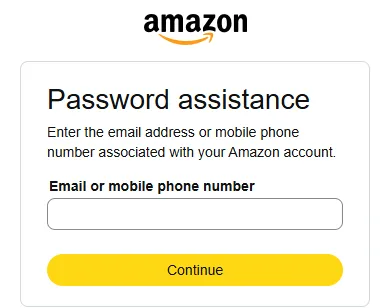
- The password was changed, but the email address or phone number still belongs to the owner: request a code on the “Password assistance” page: How to reset a forgotten Amazon password.
- Both the email address and the phone number were replaced: the code would go to the intruder. In this case, request account recovery through customer service, which may involve proof of identity. On the sign-in page, the “Need help?” link leads on.
- Amazon has locked the account: Locked or suspended Amazon account.
2. Locking the intruder out
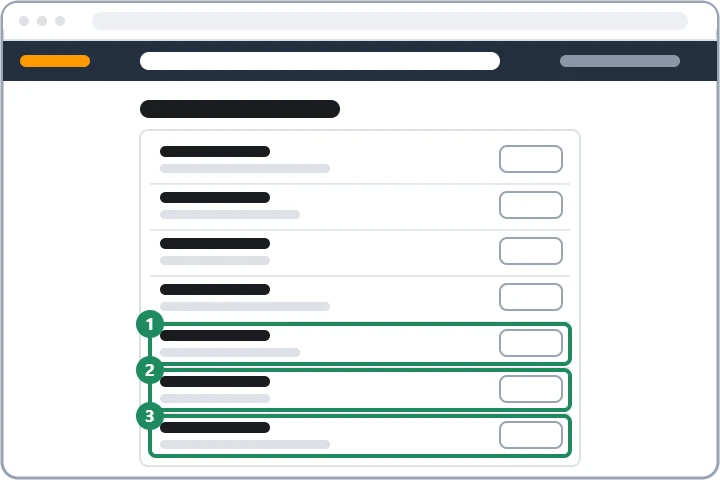
- At the bottom of the “Login & security” page, the “Start” button next to the “Compromised account?” row guides you through the steps, including signing out of all devices.
- On the same page, check the name, the email address and the primary mobile number row by row; correct anything unknown with the “Edit” button.
- Delete any unknown passkeys in the “Passkey” row.
- There must be no unknown phone number or authenticator app in the “2-Step Verification” settings; if there is one, remove it.
- On the “Devices” tab of the “Manage Your Content and Devices” page, remove any unknown Kindle, TV, Alexa device or phone with the “Deregister” button.
- If the account was used to sign in to other sites (Login with Amazon), revoke the access of unknown apps.
3. Orders, addresses, payment methods
- Open orders: under “Your Orders”, cancel any unknown orders that have not yet been dispatched.
- Addresses: remove every unknown address on the “Your Addresses” page.
- Cards: on the “Your Payments” page, remove unknown payment methods with the “Remove from wallet” button. More on this: Managing delivery addresses and payment methods in an Amazon account.
- Subscriptions and digital purchases: check memberships and subscriptions to see whether Prime or another subscription has been started: How to cancel Amazon Prime.
4. Notifying the bank and Amazon
If unauthorised payments were made from the account, call the bank that issued the card immediately: the card can be blocked and the unauthorised charge can be reclaimed. Amazon can be notified on the “Contact Us” page of the help section, while signed in; it is worth listing the unknown orders and the changed details. If the hack started with a fake email or call, it can be forwarded as an attachment to [email protected]. If Amazon has also cancelled the owner's own genuine orders because of the suspicious activity, according to the help page it restores access within 24 hours after a recent order has been verified.
5. Protection afterwards
- Turn on two-step verification under “Login & security” (“Get started”, text message or authenticator app).
- A passkey also protects against fake sign-in pages: Signing in to Amazon (with a password or a passkey).
- Amazon recommends linking both an email address and a mobile number to the account, so that notifications arrive in both places.
- Most hacks start with a fake Prime, parcel or “suspicious order” message: Common Amazon scams.
If it doesn't work
Will I get the money back for an unauthorised order?
If the order has not been dispatched yet, cancelling it also cancels the charge. An amount already paid can be reclaimed by the bank through a card chargeback, and Amazon may decide on a refund after investigating the case.
I received a verification code from Amazon that I did not request. What does it mean?
Someone probably knows the password and tried to sign in. The code must not be given to anyone, and the password should be changed immediately.
Can Amazon call me to say my account has been hacked?
Amazon rarely gets in touch, and even then it does not ask for a password, a code, card details or remote access. If in doubt, hang up and check the situation in the account.