Setting up a recovery phone and recovery email for a Google Account
The recovery phone and the recovery email are the two details Google uses to confirm, after a forgotten password or a hack, that the account belongs to its owner. If neither is set up, or both are out of date, getting back in is much harder and does not always succeed. Setting them up takes a few minutes, and it is worth checking them once a year.
In this article
What does Google use these details for?
- Getting back into the account: after a forgotten password or a lockout, Google sends a code or a reset link here.
- Alerts: Google also sends notifications here about suspicious sign-ins, password changes or new devices, so trouble comes to light even if someone else is already using the account.
- Proving ownership: during an unusual sign-in, Google may also use a code sent to the recovery phone to check that it really is the owner trying to sign in.
- Other notifications: for example, a warning that storage is full may also arrive at the recovery email.
- According to Google's help, these details are not sold, and the recovery email is not visible to other users.
Adding and changing them step by step
The recovery email should be a different mailbox, not the Google Account's own address. Choose an address that will remain accessible in the long term; a work address may be lost when leaving the job.
- On myaccount.google.com, open the “Security & sign-in” section (on Android: Settings → “Google” → managing the account).
- Under “How you sign in to Google”, click the “Recovery phone” row. Google may ask for the password or a confirmation again.
- Enter the number with the country code, then enter the code received by text message.
- In the same section, the “Recovery email” row is used to add the recovery address. Google sends a verification code to this address, which also has to be entered.
- Old details can be changed or removed in the same place, with the edit (pencil) or delete (trash) icon.
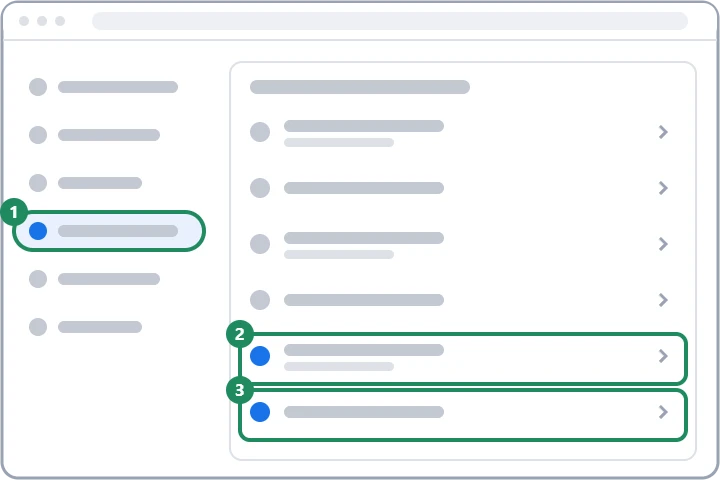
Recovery phone vs. the 2-Step Verification phone number
They can be the same number, but they appear as two separate settings in the account. The 2-Step Verification phone number receives a code when signing in, while the recovery phone receives one when getting back into the account. When the number changes, it therefore has to be updated in both places: Turning on 2-Step Verification.
What happens after a change?
- According to the help, a new recovery phone may take up to 7 days to take effect.
- After the change, Google may still send codes to the previous details for seven days. This prevents a hacker from immediately locking out the owner by replacing the details.
- If Google finds a newly added sign-in method suspicious, it may disable it, and the owner has 30 days to confirm it. Without confirmation, Google deletes it.
- If the account has a trusted passkey or security key, a new number may be accepted faster: Passkeys for a Google Account.
If a detail is out of date
- Closed phone number: after a while, the carrier may give the old number to someone else. The codes may then go to a stranger, while the owner does not receive them. The number should therefore be replaced before the contract is cancelled.
- Closed email address: the reset email does not arrive, or goes to the same address registered again by someone else. Remove the old address and add a new one.
- If signing in is no longer possible: recovery can be started even with outdated details, but Google then tries to confirm ownership with other questions, which is slower: I cannot sign in to my Google Account.
- Suspicious change: if someone changed the recovery details without the owner's knowledge, it points to a hack: Hacked Google Account: first steps.
Regular checks
From time to time, Google itself asks at sign-in whether the recovery details are still valid. Security Checkup also shows if any of them is missing or has not been confirmed for a long time. It is worth setting a calendar reminder once a year, and checking whenever the phone number or provider changes.
If it doesn't work
Can I add a family member's phone number?
It is possible, but then the recovery codes go to them too, and getting back into the account is only possible together with them. A personal number kept for the long term is better; a family member's email address is at most a useful addition.
Does Google also use the phone number for ads?
According to Google's help, recovery details are used for account security. Other uses of the phone number can be checked in the account's “Personal info” section, in the phone number settings.
Why does Google ask for my password again when I change the recovery details?
Because they are sensitive: whoever changes them could later take over the account. Confirming again prevents someone else from changing them on a device left unlocked.